Studio
Old photo restoration studio
Upload a scan or a phone photo of the print. JPG, PNG and WebP are supported. Pick what to fix and the AI repairs scratches, fading and other damage.
My photos
0 / 8Every photo has a story
Drag photos here, or use the button below
JPG, PNG, WebP · up to 20 MB each
Selecting a photo previews it in your browser. Starting a restoration uploads it to the server and sends it to the selected AI service. Originals and results on the server are kept for 3 days after the task finishes. Download them before expiry; you can delete them sooner.
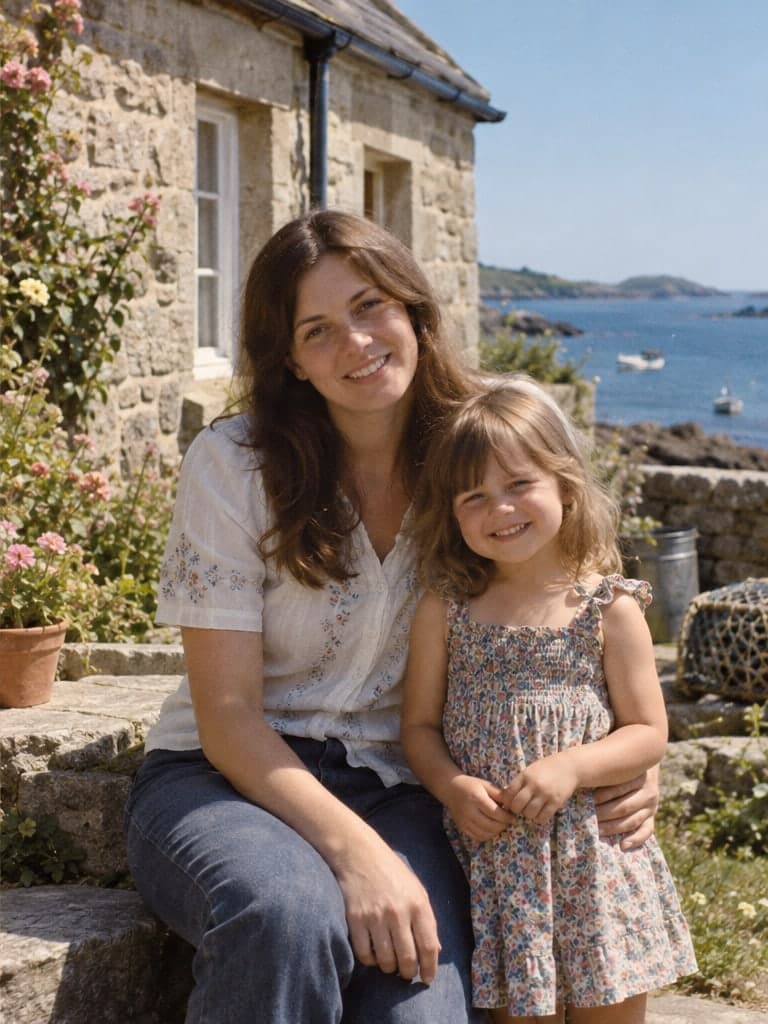 Before · illustrationAfter · illustration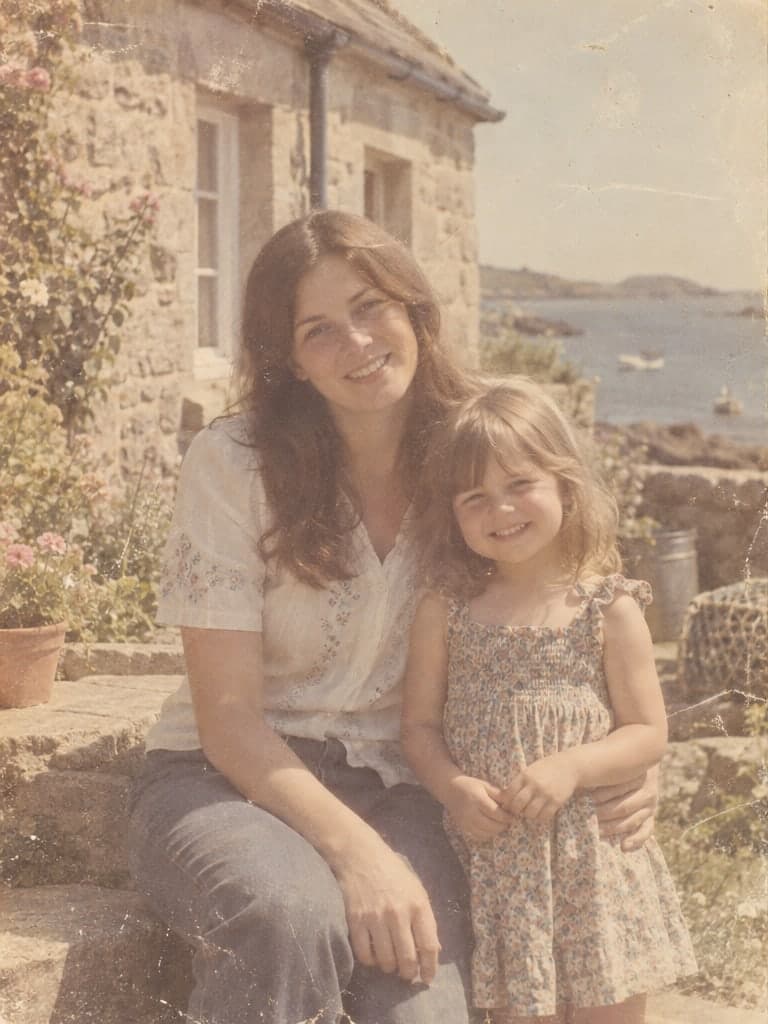
The illustration is AI-generated; the people and setting are fictional, and it doesn't show real restoration results.
Restoration settings
Basic repair
Reduces scratches, creases, stains and fading
Settings only apply to this page.
Choose a photo first
One minute before you restore
Capture a good original
The clearer the original, the less the AI has to guess. Scanning or photographing a print comes down to a few key rules.
Read the guideCheck faces afterwards
Blurry details are guessed. Eyes, mouths and glasses change most easily.
Read the guideColorization is a guess
Black-and-white photos recorded no color, so clothes and objects may not match how they really looked.
Read the guide